
It’s been more than a month since my unboxing of the Huawei Honor 6 smartphone. Since then, a lot has happened from the company. They have recently announced its bigger brother Honor 6+ and its little brother Honor 4C. Even if Honor 6 came out in the Philippines late last year, it is still one of the compelling offers on the mid-priced sub–15,000 smartphone. In Lazada, it has also slashed some price since the release of their new smartphones to be more competitive. I’ve had the phone for more than three months now and I could say I have full tested the phone during my travels in Palawan, Cebu, Negros and Masbate. Here’s my take on the Honor 6 smartphone.
Honorable Specs
As outlined from my unboxing, the Honor 6 smartphone has strong specs. Just to outline the key specs worth mentioning, there’s the generous 3GB RAM, octa-core processor, 5.0” full HD display, 3,100mAh battery and 13MP rear camera with video recording at 1080p. At the time of the Honor 6 release, these specs are already flagship-worthy for a smartphone. Recently though, there are already phones that came to challenge its specs at its price (Asus ZenFone 2 comes to mind with its 4GB RAM). But performance not only comes in numbers but on how these hardware works together talking about the efficiency of their home brew Kirin chipset which switches core speed depending on tasks demand.
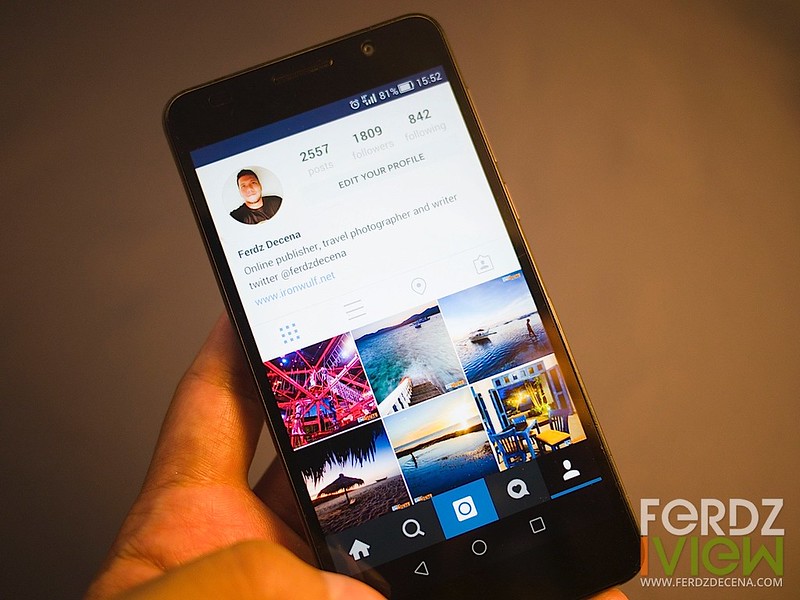
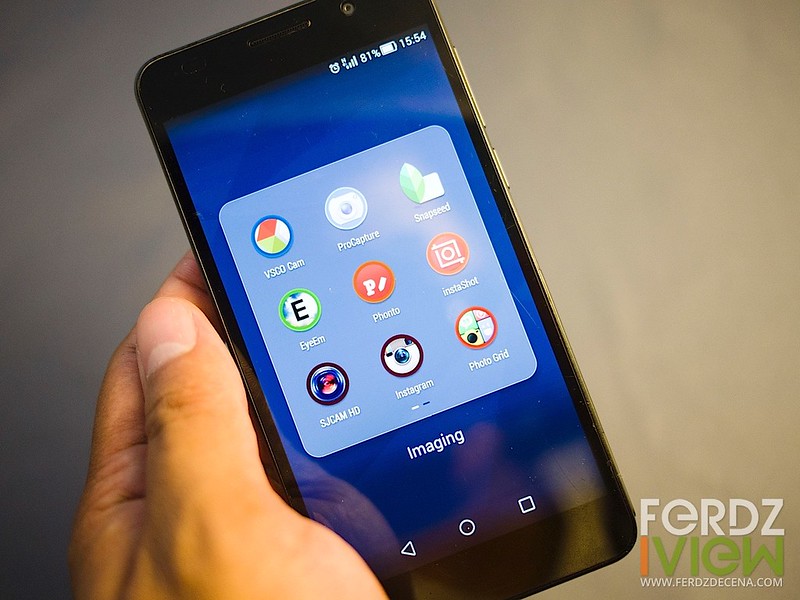
For my personal use, I utilize social media apps heavily like Facebook, Google+, Twitter Pages Manager and much more on Instagram as I take photos a lot. Speaking of photography, I have slew of apps as well for photo editing like Snapseed, AfterFocus Pro, VSCO Cam and time-lapse app LapseIt. So far these apps functioned smoothly without crashes or slowing down.
Fitness apps like Runtastic and MapMyRun were also heavily used. I like that it can easily find my location via A-GPS or Glonass. Tracking my runs were fairly accurate.
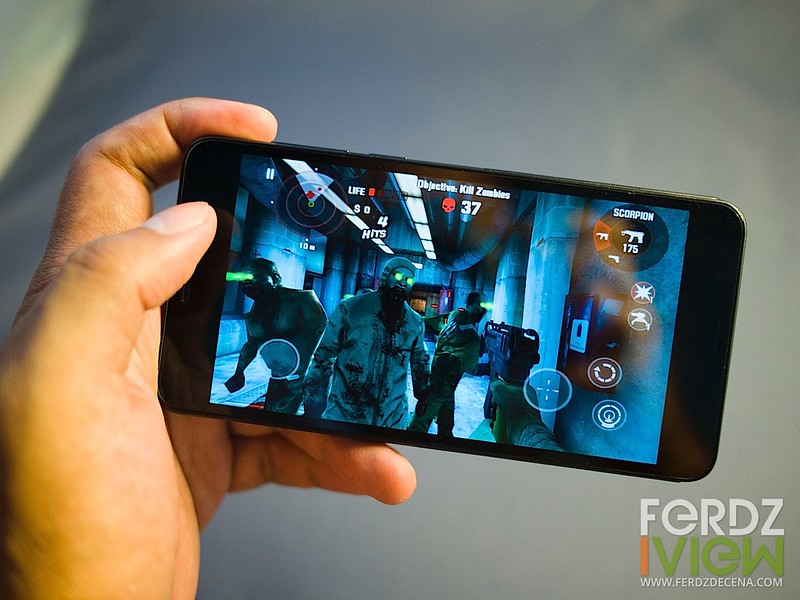
Basically it handles most what I throw at it – well and smoothly. Either from playing Spotify music to a few videos and some games like Plants and Zombies to Dead Trigger without stutter.
Refreshing EMUI 3.0
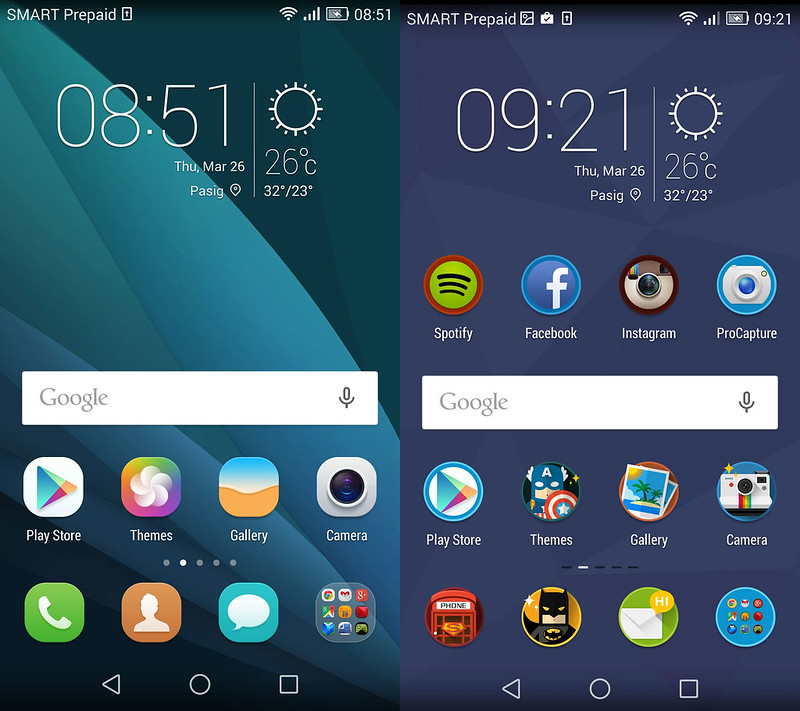
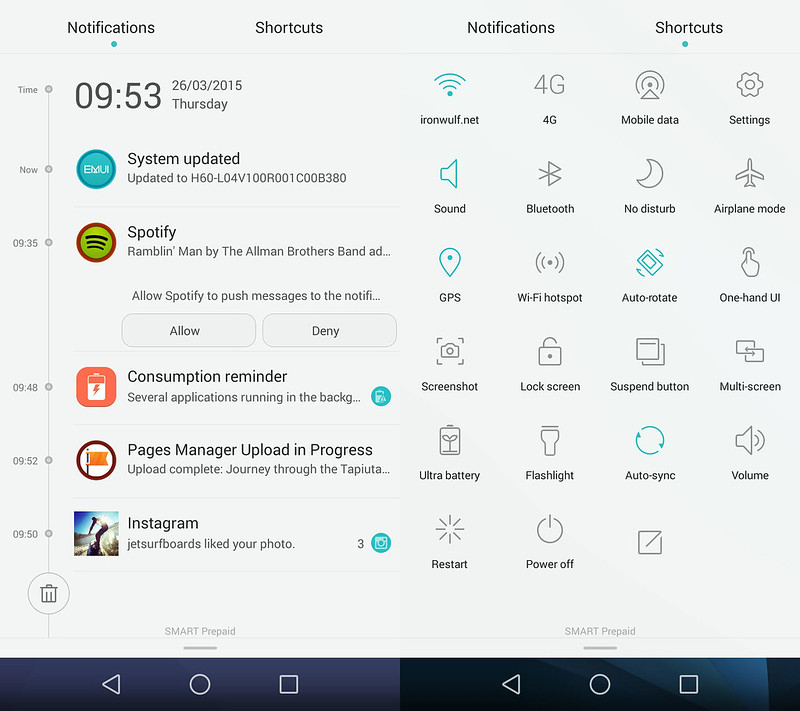
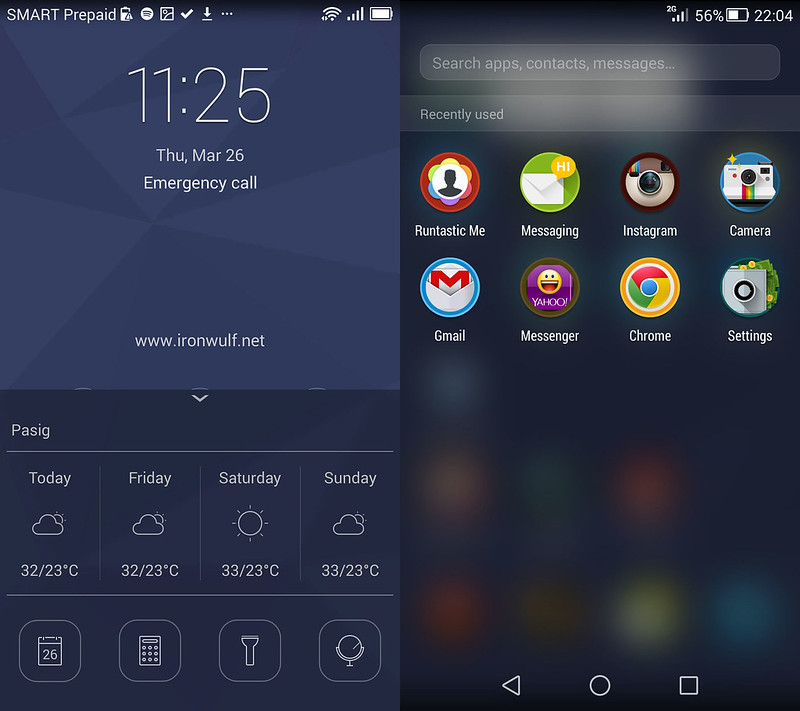
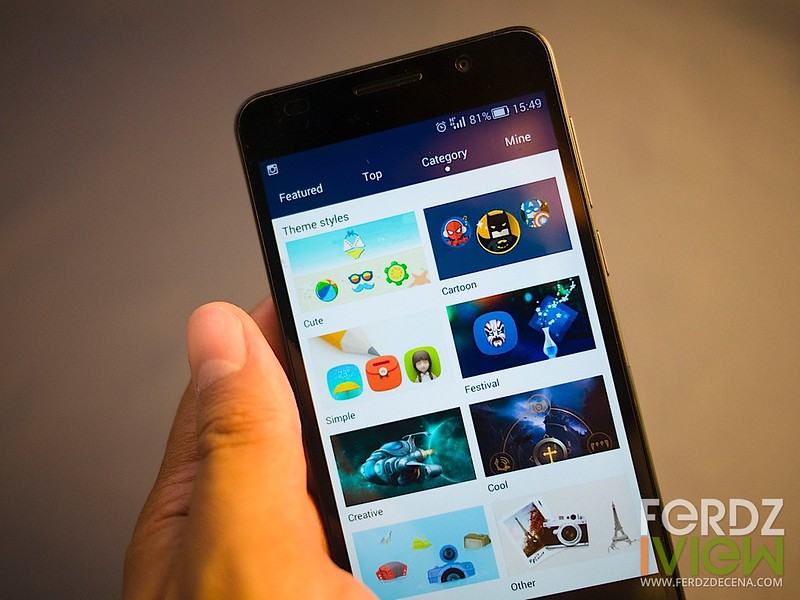
I must admit that I wasn’t really impressed with the stock EMUI 2.0 when I got the Honor 6. The interface really looks cheap. The release of Emotion UI 3.0 (EMUI 3.0) really made a big difference for me. The interface is timeline-inspired and the icons looks cleaner making for a general sleeker design. The new Camera App interface is IOS-inspired but I would prefer that than the previous boxy version. EMUI 3.0 doesn’t feel like your native Android which I personally like. There is also room for customization like wallpapers and themes.
More on the Camera on the next page…
Capable Camera
Since I’m a photographer, I put a high regard on a smartphone’s camera. Personally, I think this is one of the strengths of the Honor 6, packing it with a 13MP 4th generation Sony BSI sensor and a bright f2.0 aperture for lowlight shooting. The camera can also shoot in 1080p FullHD. The front-facing camera has 5MP and 720p video recording.
To make things work well though is a decent Camera App that goes along with it. EMUI 3.0 delivered a nice interface for using the camera. There’s a main slider above the circular buttonr for switching between the Camera, Video and Beauty mode. Beauty mode is simply for portrait shots to make skin more appealing. The smoothness can be adjusted.
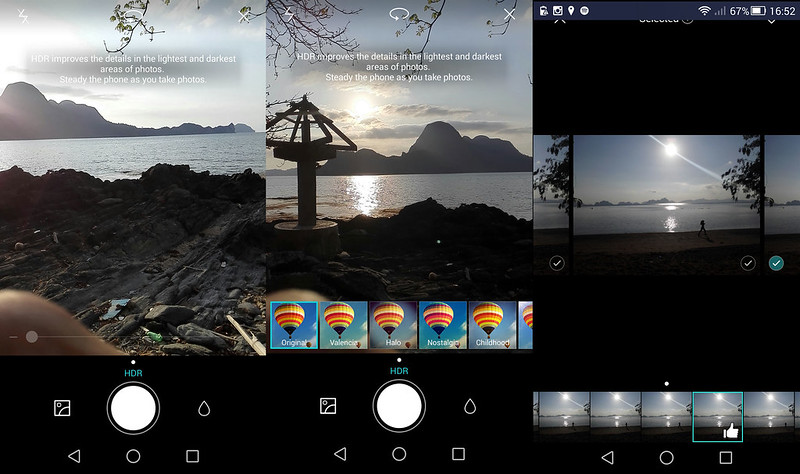
The camera can be configured for touch-shutter but by default touching screen will focus and also adjust exposure to that area. There’s also auto-HDR if the app thinks the contrast is too much it losses detail. The camera HDR is quite modest which I prefer not too make it look too processed. The upper right button opens up other shooting options like HDR, Best Photo (which shoots a burst of photos and you can choose which ones to keep), Panorama, Watermark (adds a time and weather stamp) and All Focus (ideal for macro shots). The camera also has a drop icon on the side of the shutter button that would open up filter effects that one can easily see effects in real time.
The Honor 6 is real snappy shooter. To make shooting faster while the camera is asleep, double click on the “Volume Down” button and it will open the camera instantly in a round 1 second sometimes less.
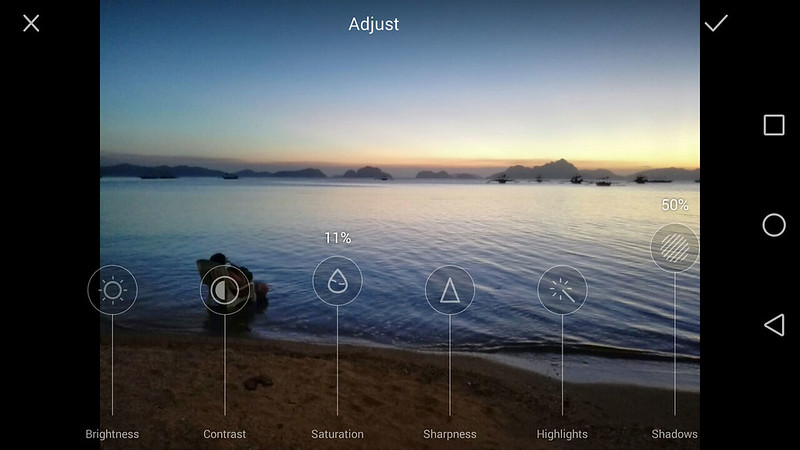
Viewing photos is pretty basic in its stock gallery which I hope they spruce up a little or just use third party galleries like QuickPic or Google’s own Photos. What is impressive is the native Image Editor, quite comprehensive in controls, the best I’ve seen natively on a smartphone. It is also consistent with the timeline theme of EMUI 3.0 using the sliders for adjustments.
For a glimpse of what the camera output looks like check the 25 El Nido photos at Ironwulf En Route.
Media quirks, longevity and summary on the next page…
Media Quirks
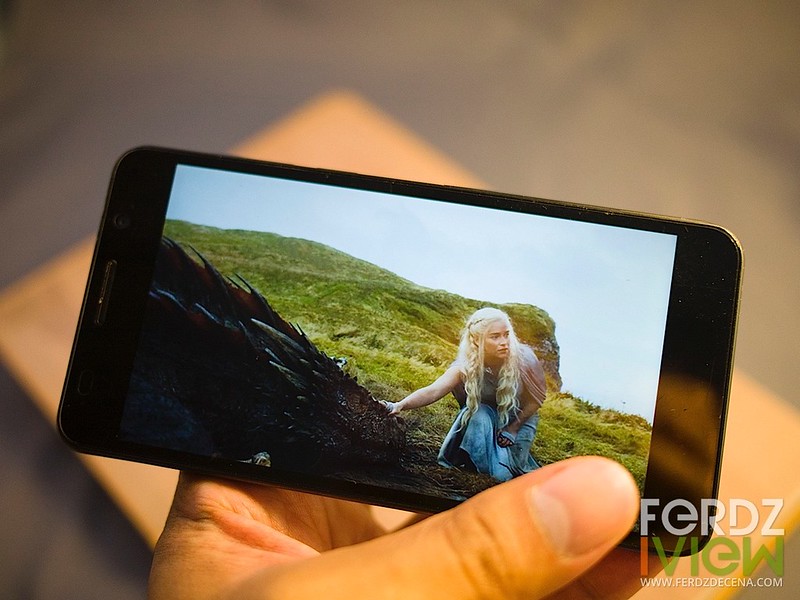
The Honor 6 has a fairly good 5” display. Good contrast and wide viewing angles. Colors are bright and vivid with crisp details. It is good for photo viewing, games and watching movies.
Aside from the built-in 16gb storage, the Honor 6 has a MicroSD slot that can support up 64GB capacity. I added a 32 GB storage to fill it in with some music, photos and video though I noticed there were some quirks in how Honor 6 handles media on its external storage. I noticed video files are not readily seen or read by media players when on the external card. I had to transfer it to the phone to be read by the native video player or other media apps. When shooting burst mode by either the native Camera App or other apps like ProCapture it only works when it saves on the internal memory. I found out later that the Honor 6 doesn’t automatically format or add the external storage into the system unlike the other Android phones I used. To enable seamless use of the external memory it must be set as the “Default Location” at the Storage Settings. Then media files from the external memory would be read.
On transferring media from a computer to a phone Honor 6 has a HiSuite software for Windows OS. It can back up data, transfer files and even update software. Unfortunately they don’t have a software for MAC OS yet and I use the Android File Transfer for transferring media files.
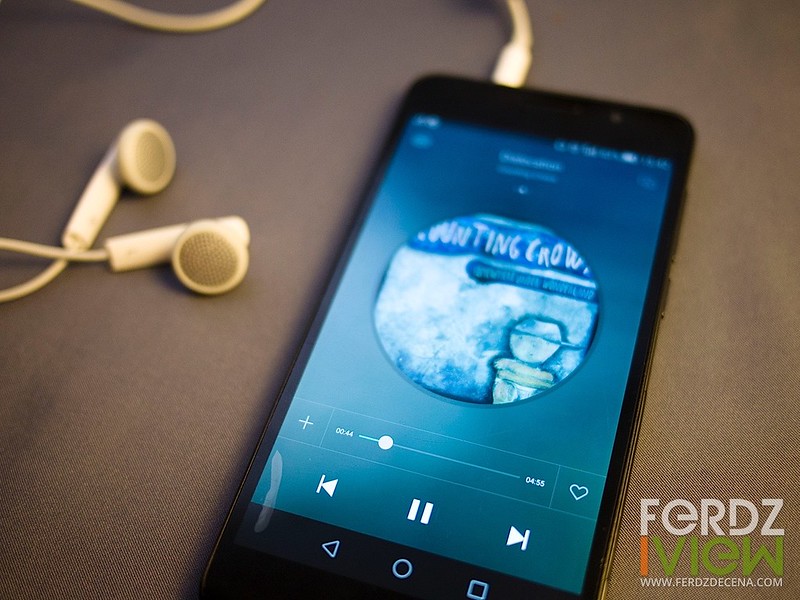
The built-in speaker of the phone isn’t also the best I heard. Quite average that it’s better to just use a good headset. Couldn’t say the same with the included headset as well as it just delivered average sound.
Longevity
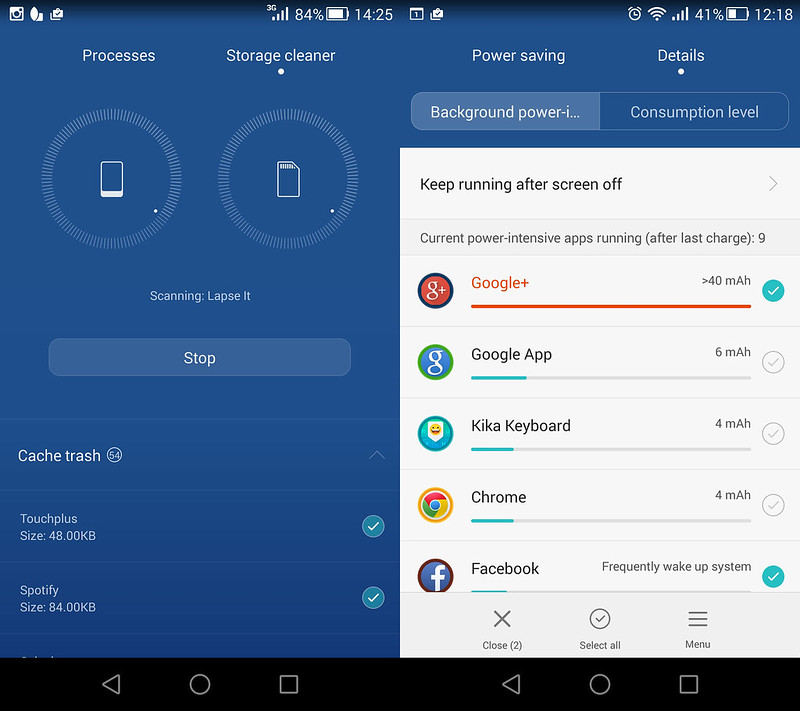
The Honor 6 has a non-removable 3,100mAh battery. It definitely is more than generous for its price. At its first month of use I could use the phone up to two days without charging. This is with regular use of with sms, calls camera, games and occasional internet. But I did notice that when it has data connected either WiFi or cellular data app processes will drain battery fast when not monitored accordingly. From my experience when connected to WiFi battery drops so fast it wouldn’t last a whole day sometimes even up to 8–10 hours only. Apps like Google+ were the most resource hog and the phone would heat-up when left on its own. So the long battery life is really dependent on data use.
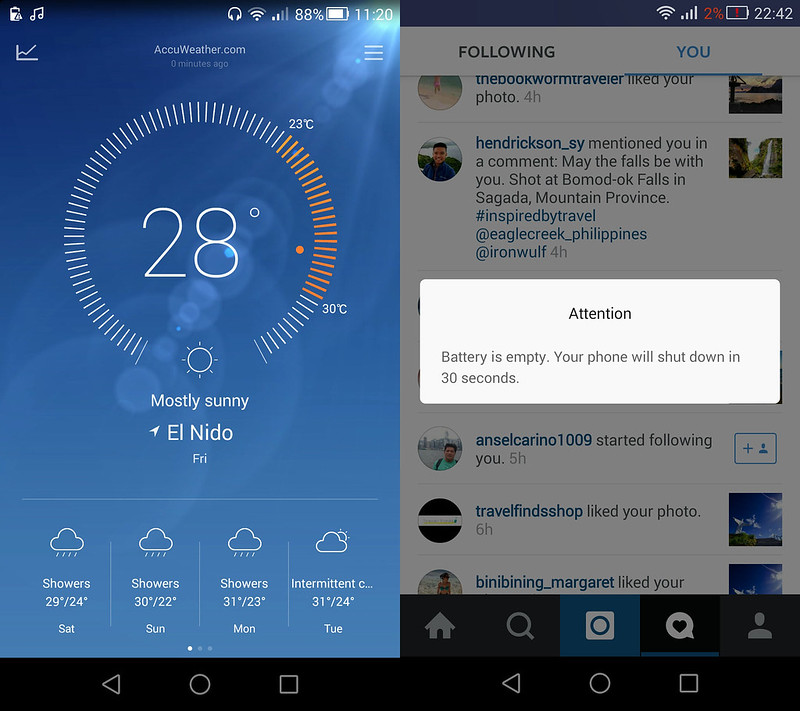
I do like the little alert they have that we are are notified 30 seconds before the phone totally shuts down. That’s a nice touch.
Summary
The Honor 6 may not look like a stunner of a phone with its plastic, dual glass construction and simplicity in design but its inside is a beast of a hardware comparable to high-end smartphones in the Php 20,000 up price range. If one is brave enough to try, play with the hardware, use the EMUI 3.0 you will feel the smoothness and freshness of interface. Personally its ease of use, above average camera and performance won me over. I didn’t write much about connectivity as I had no problems using its WiFi, bluetooth and the 3G/4G/LTE data. It more than kept me connected in travels but made my work efficient and social media presence stronger. With its price slashed down it is still a strong option if one is looking for a mid-range priced phone.
The Huawei Honor 6 is available at Lazada.


Comments
Post a Comment